

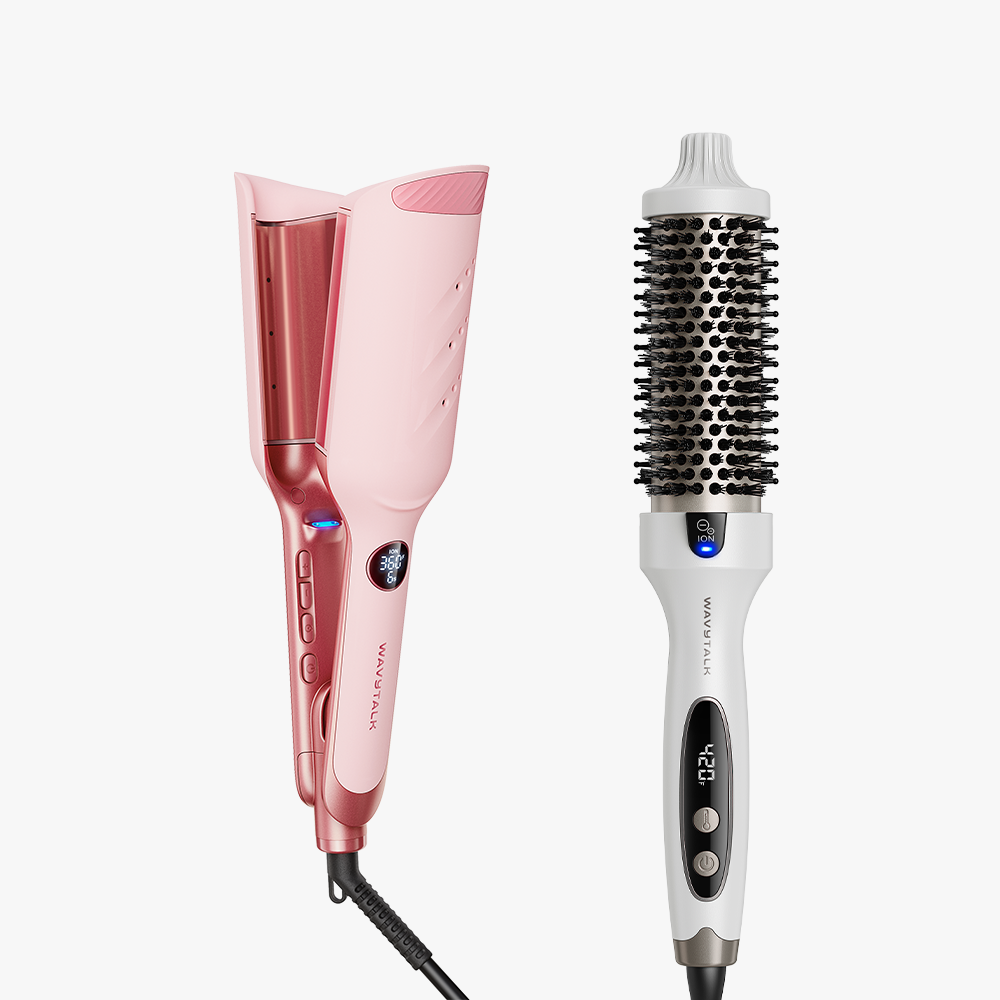
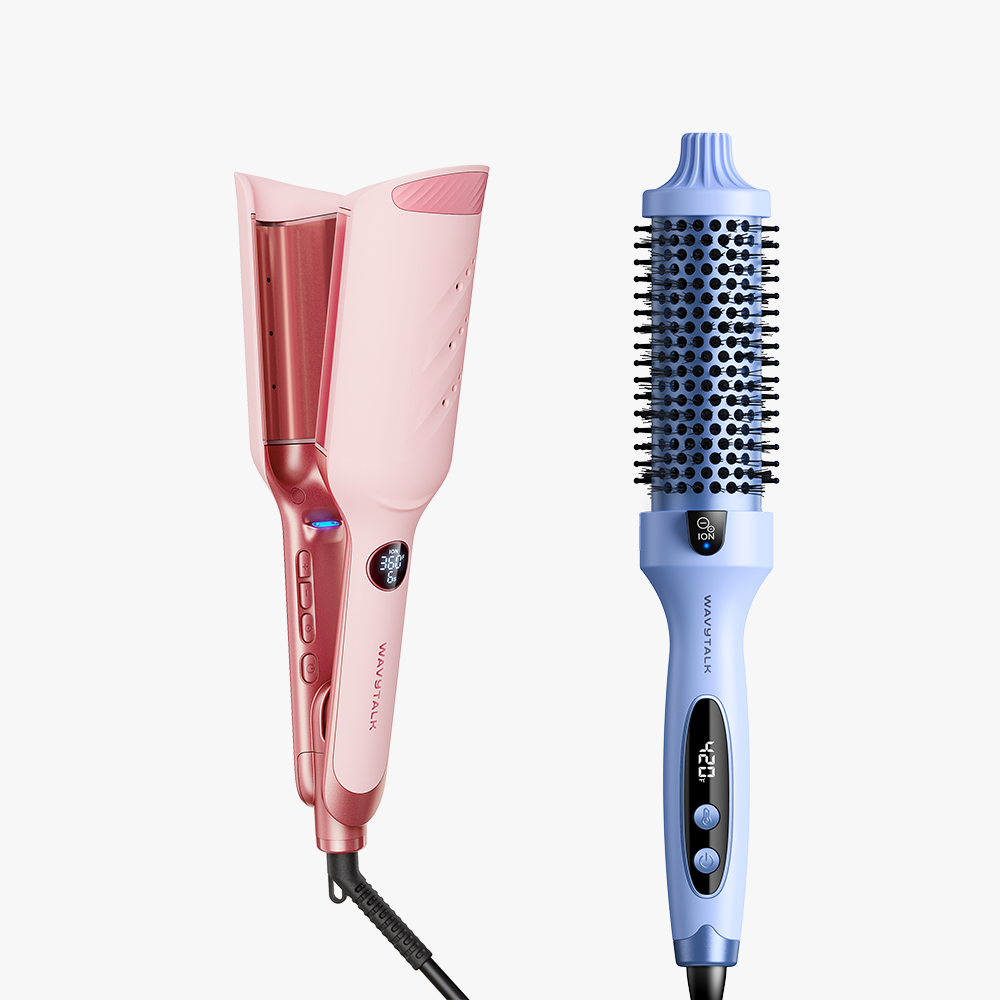
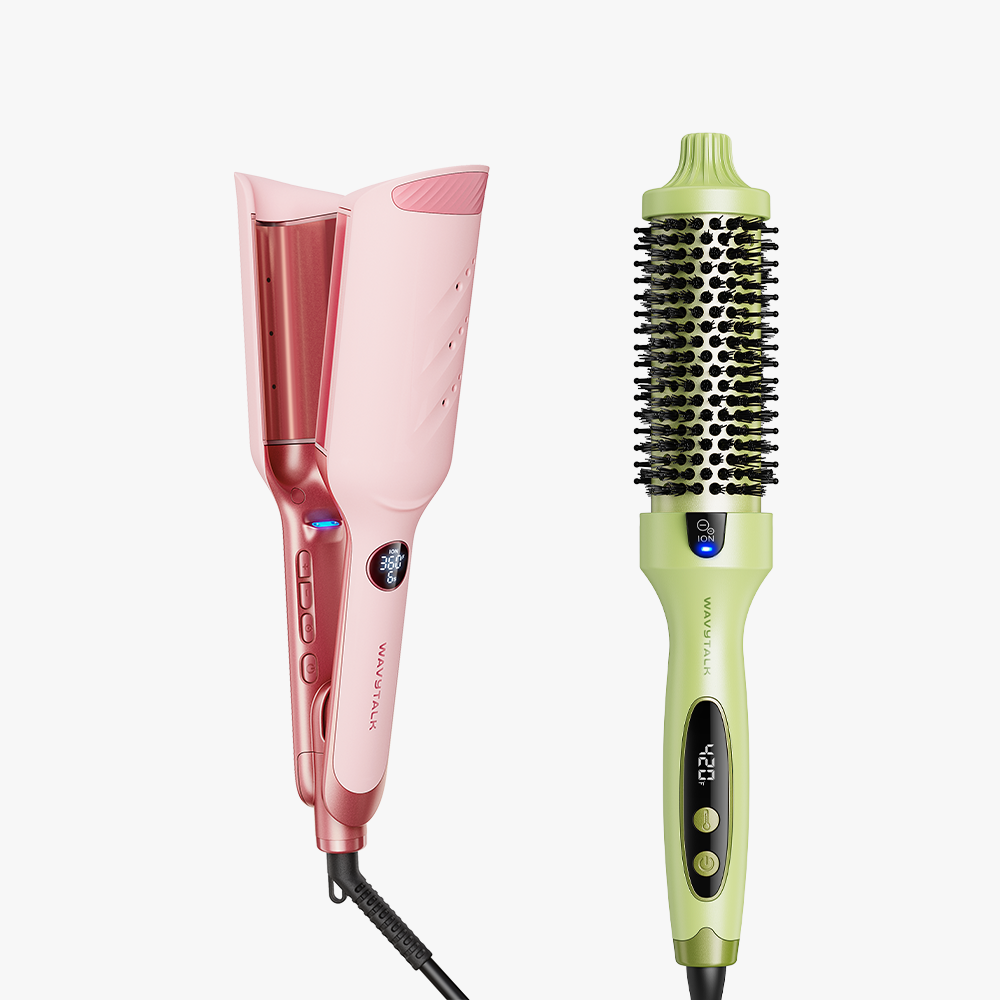
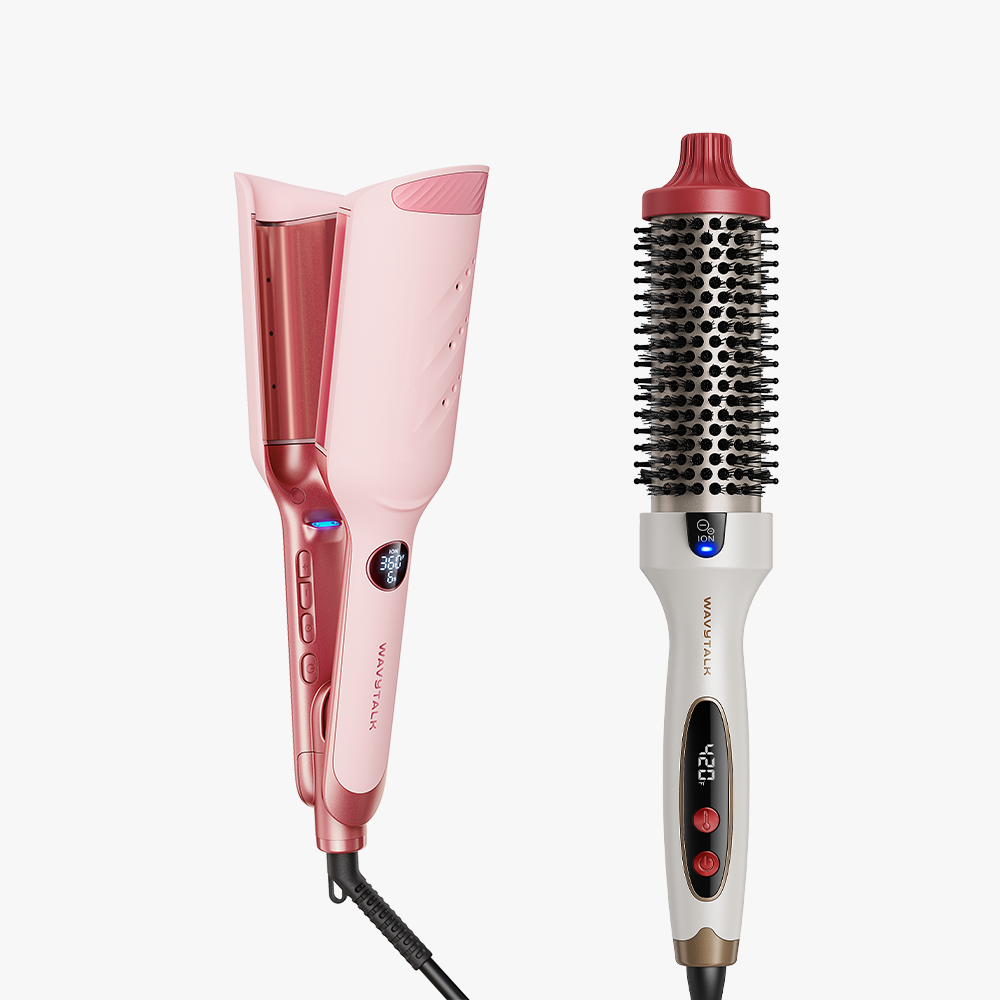
Volume & Wave Duo

Ready to Ship in: 24/48 Hours
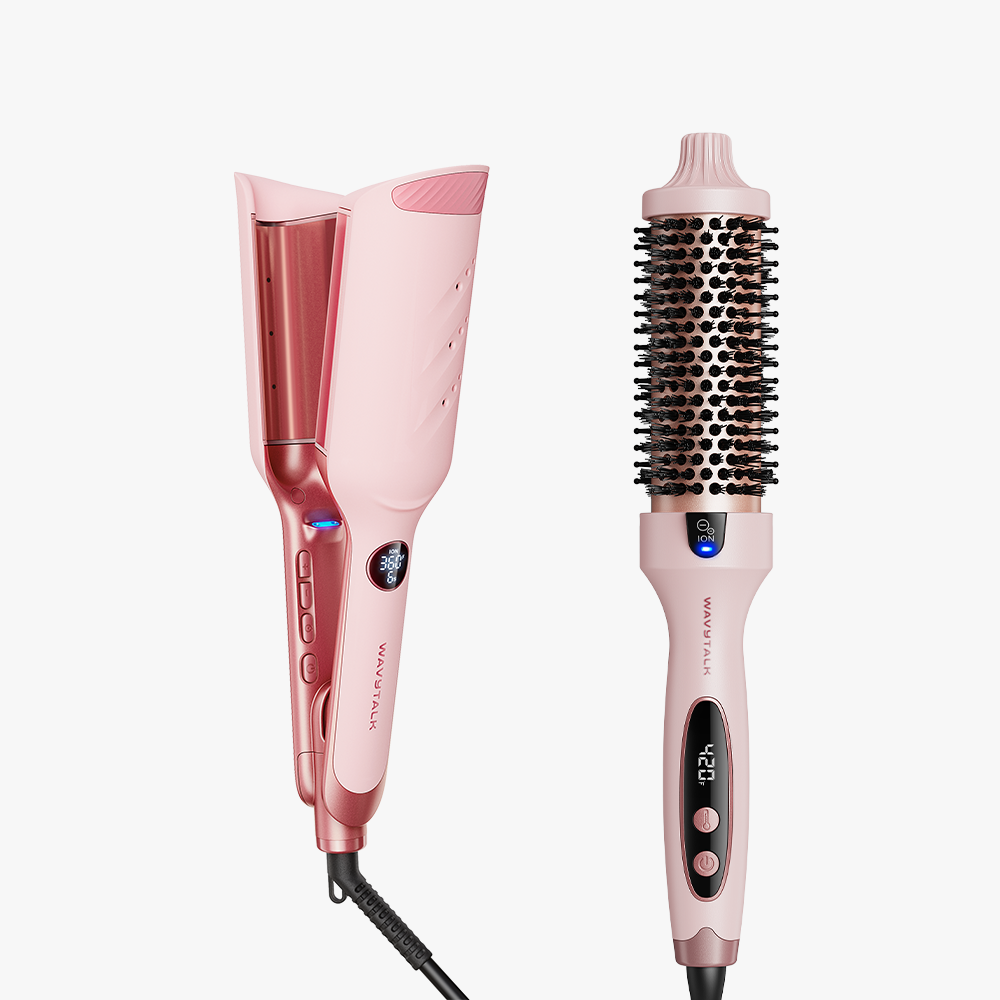
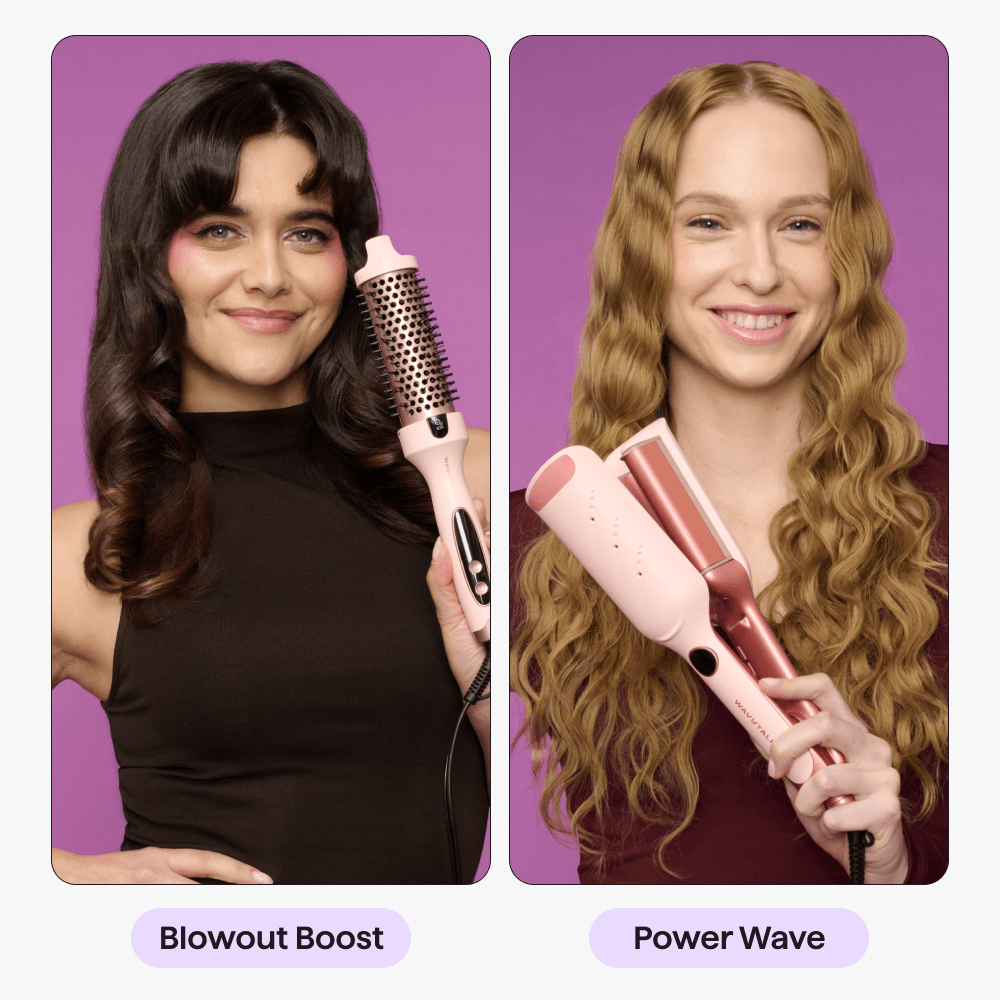
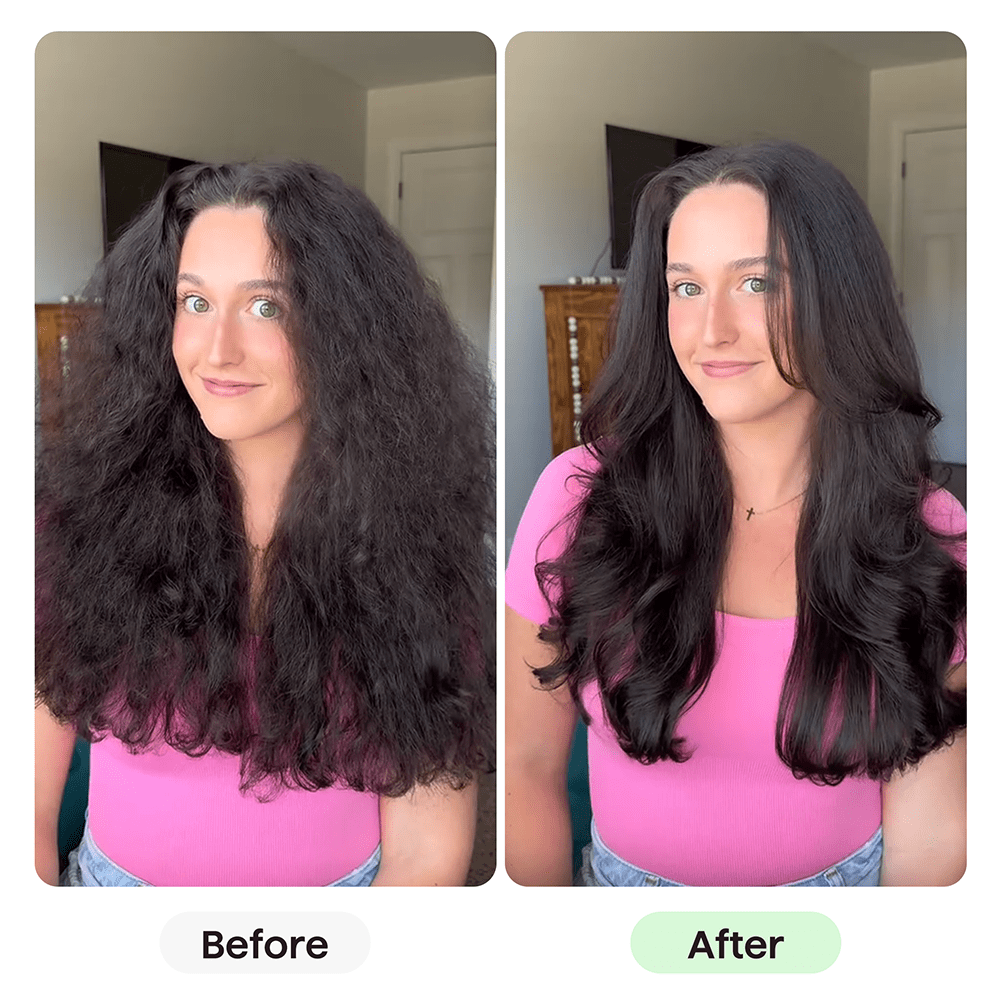
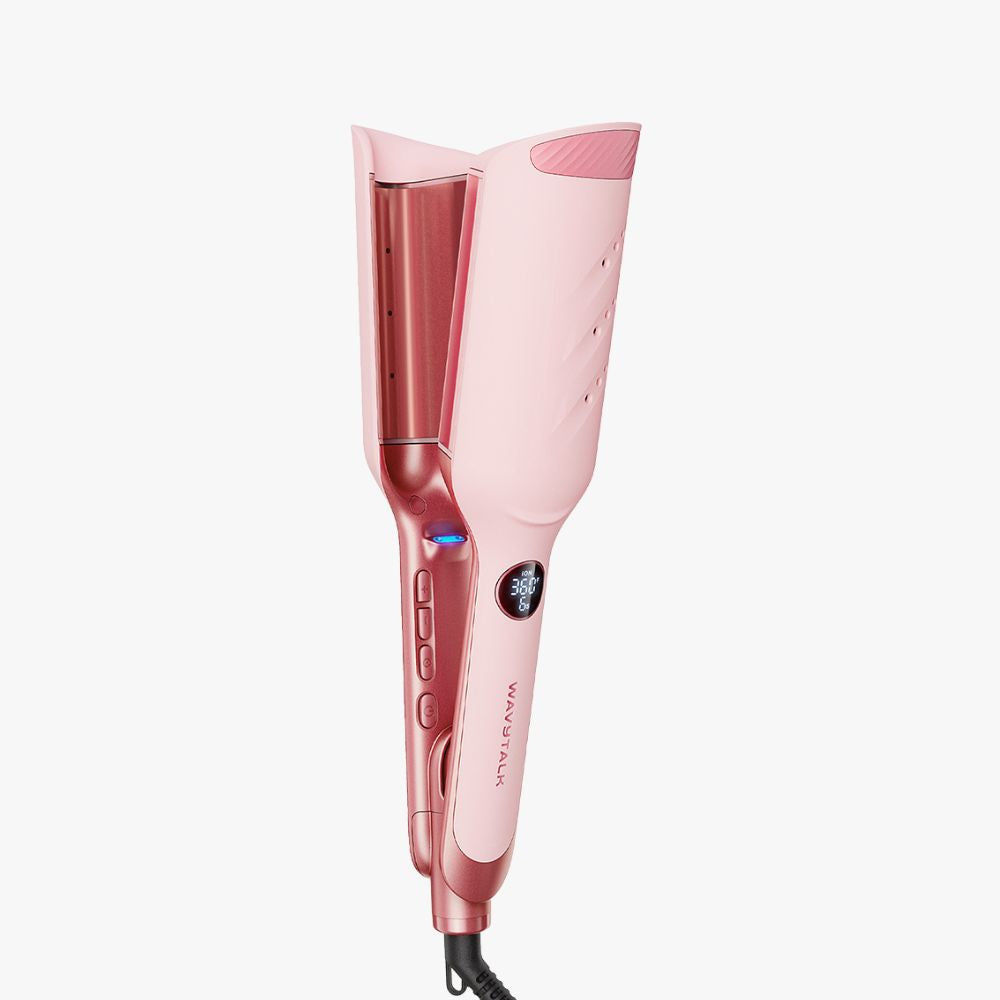
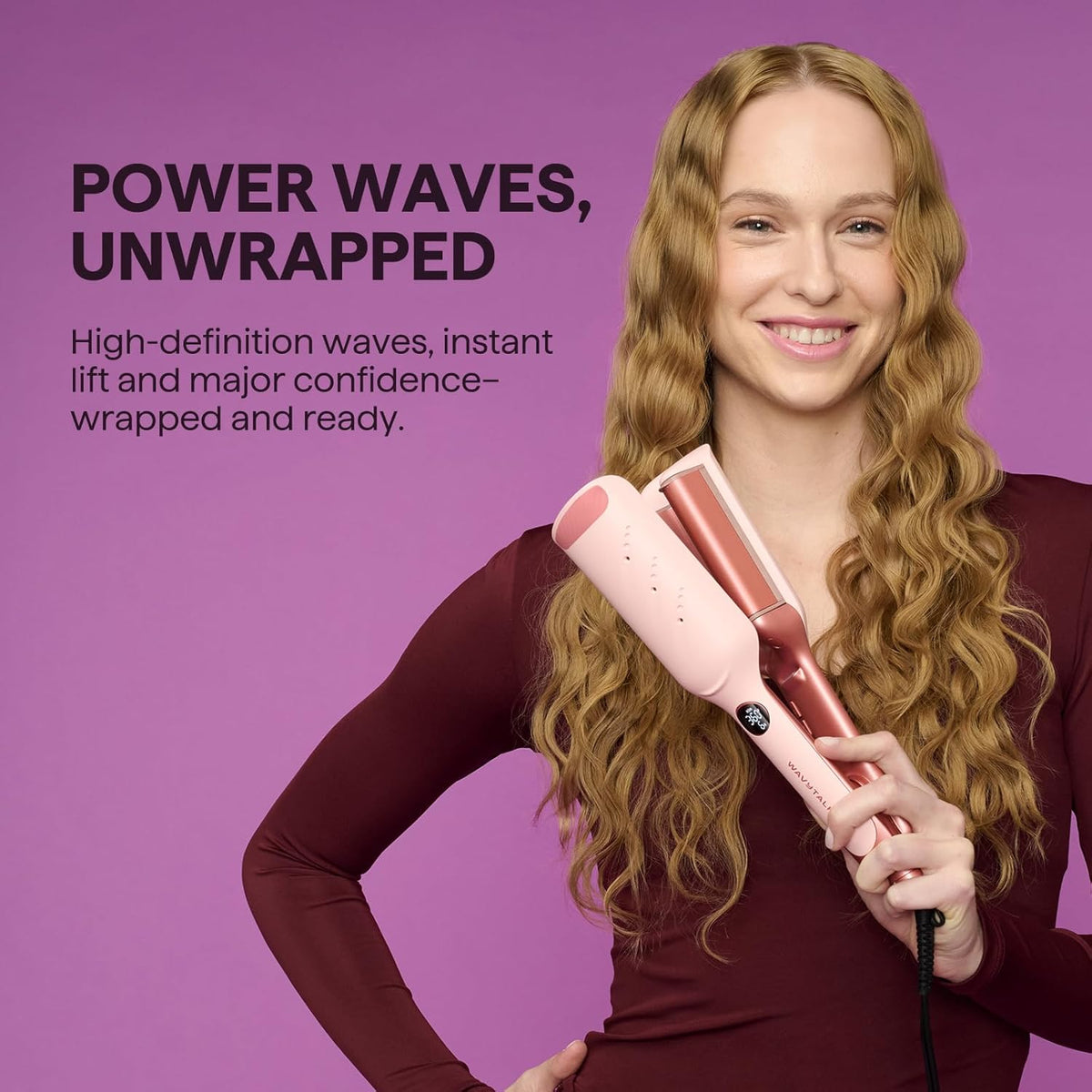
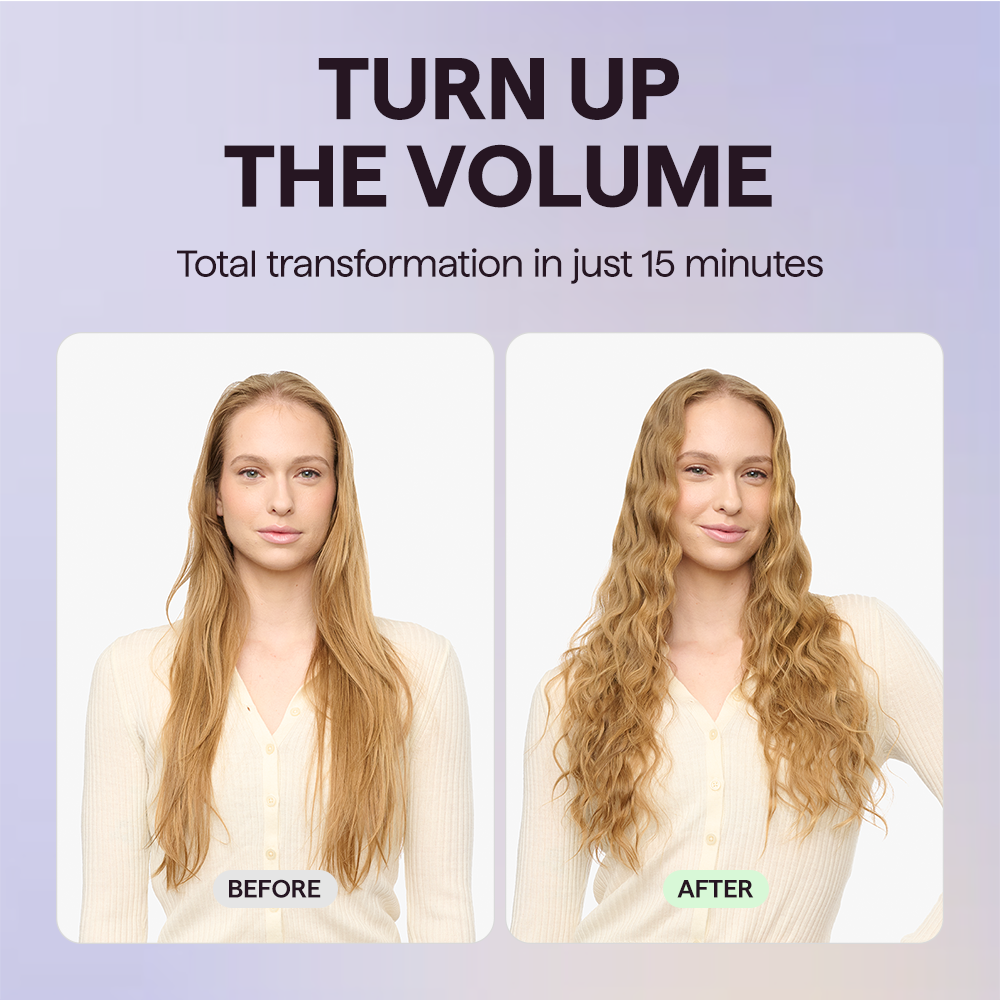
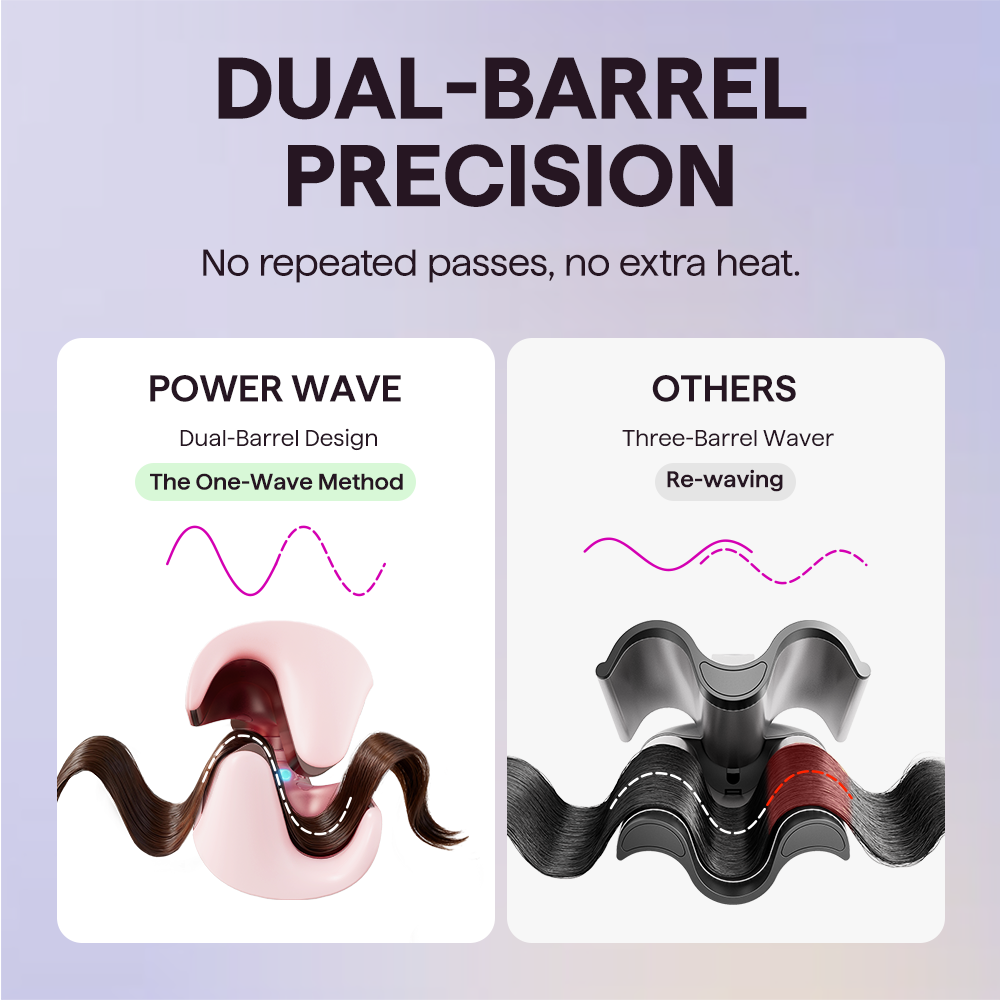
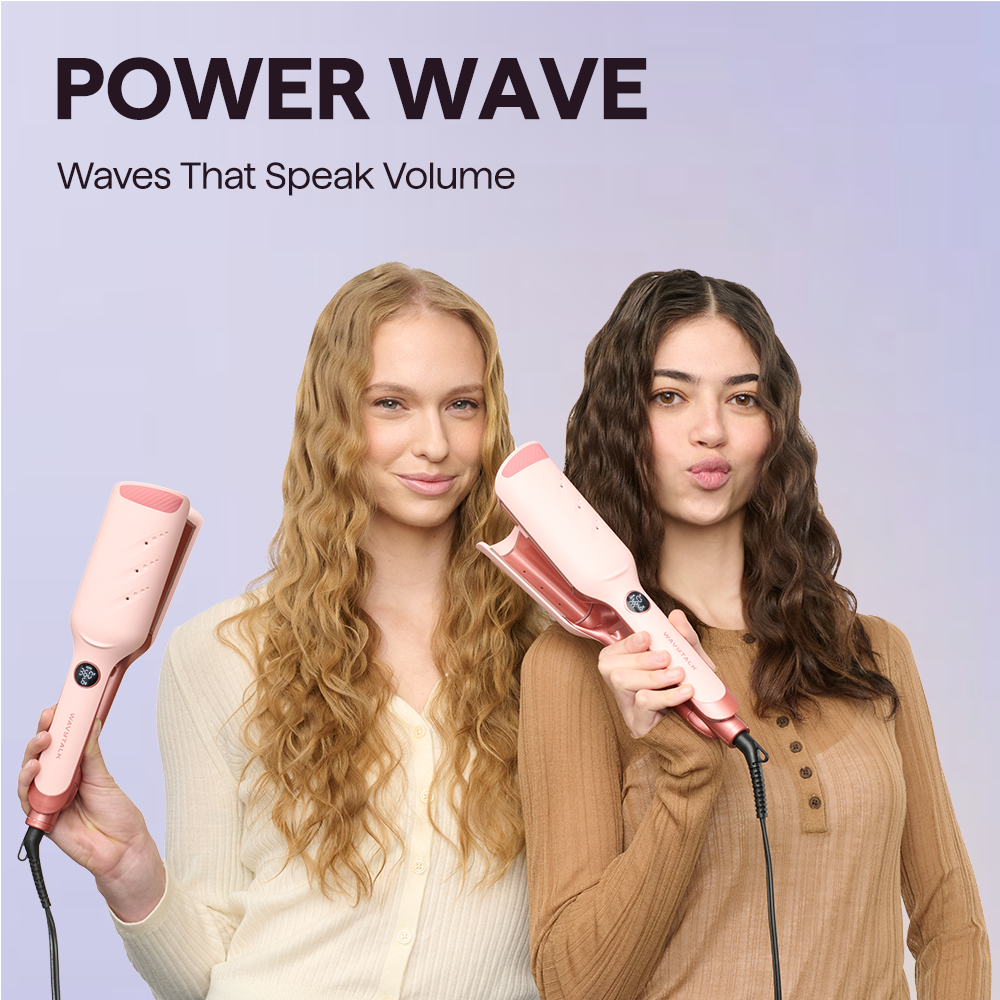
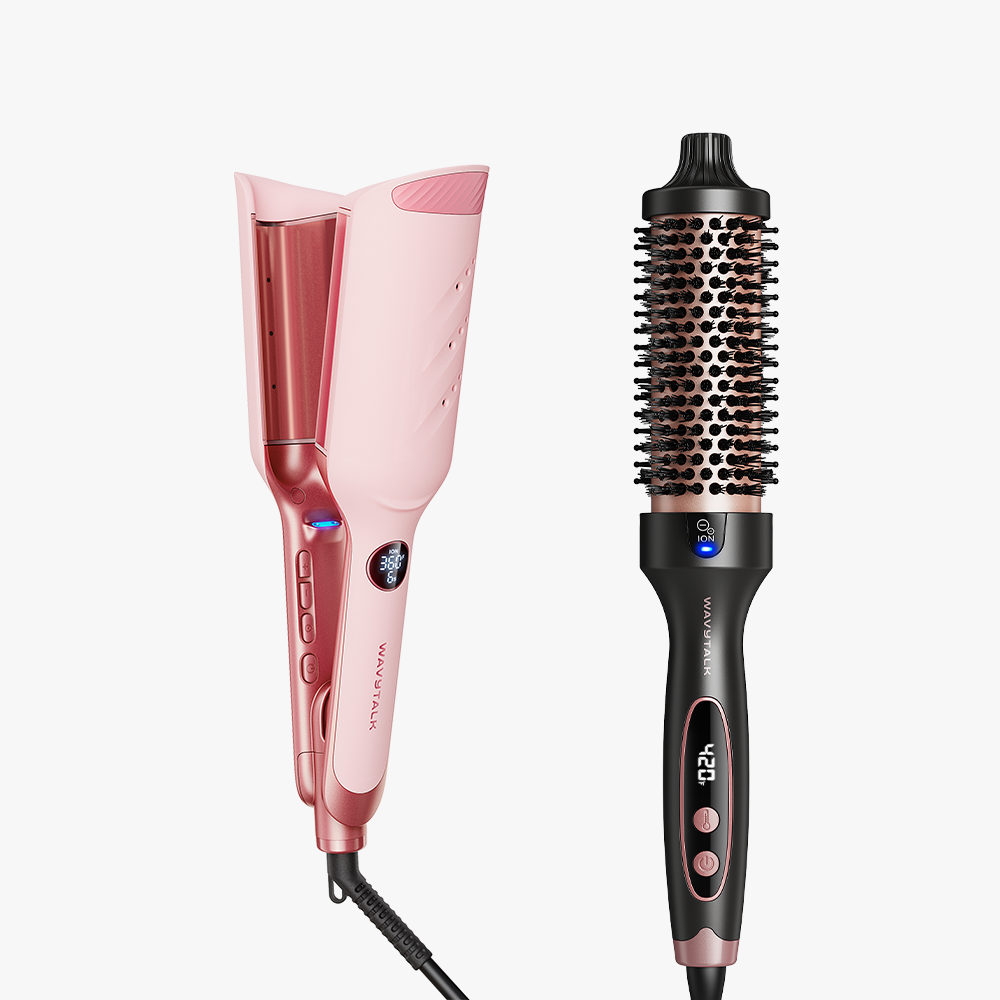
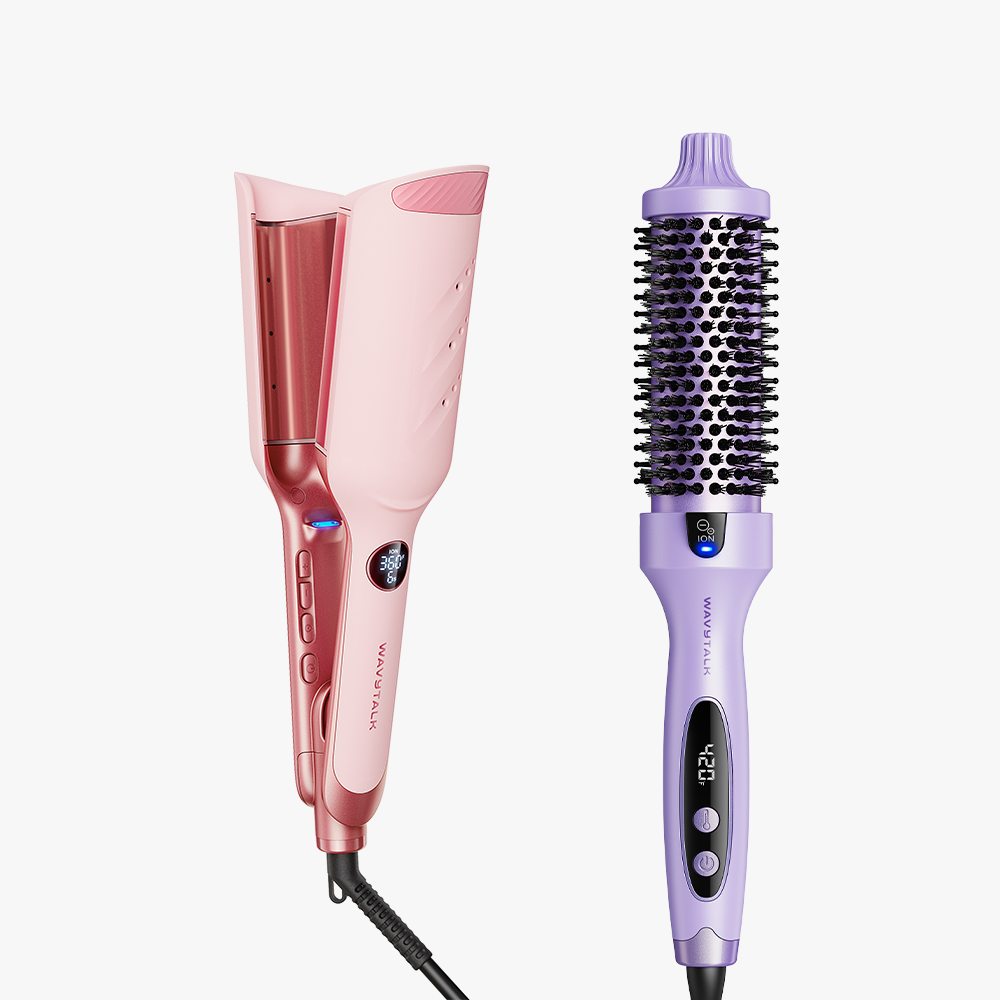
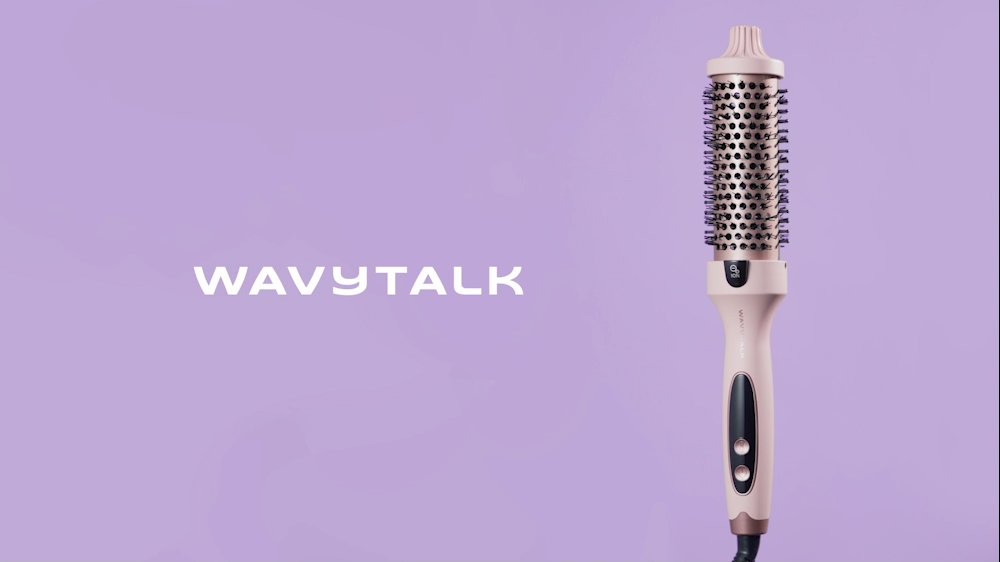
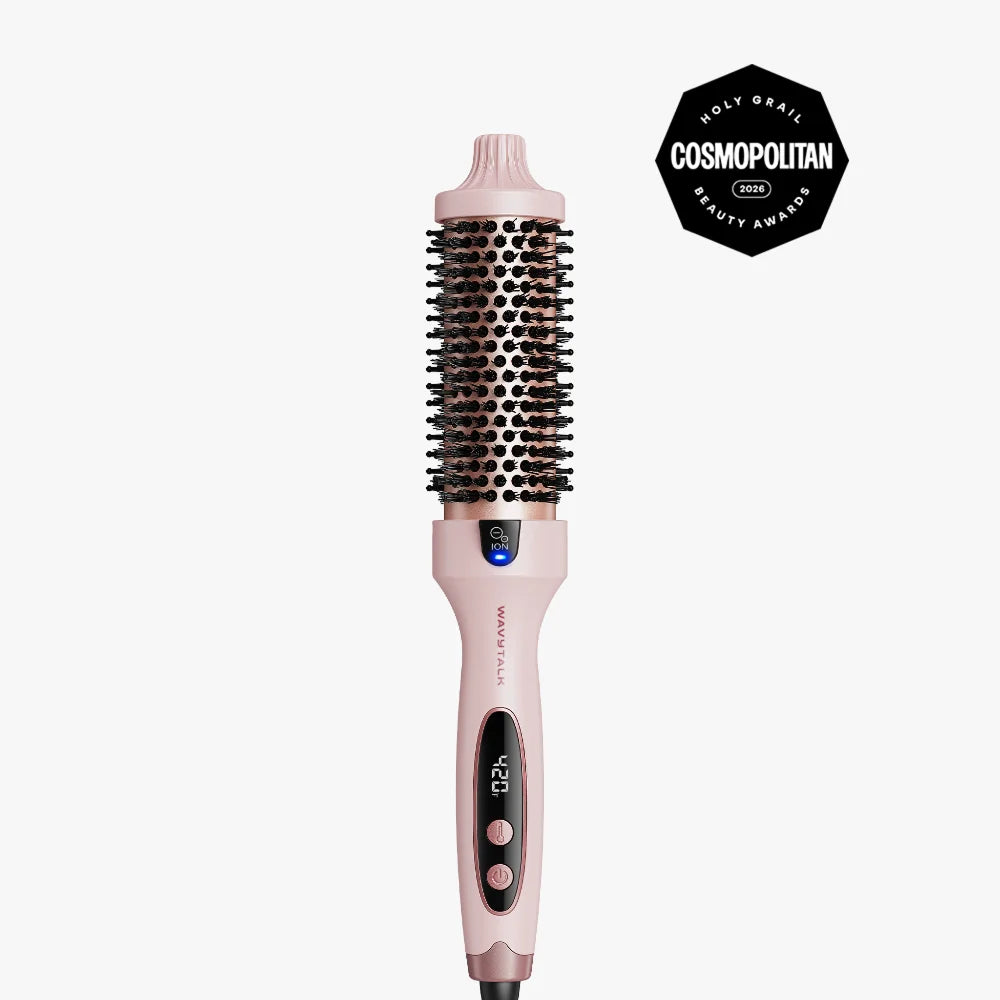
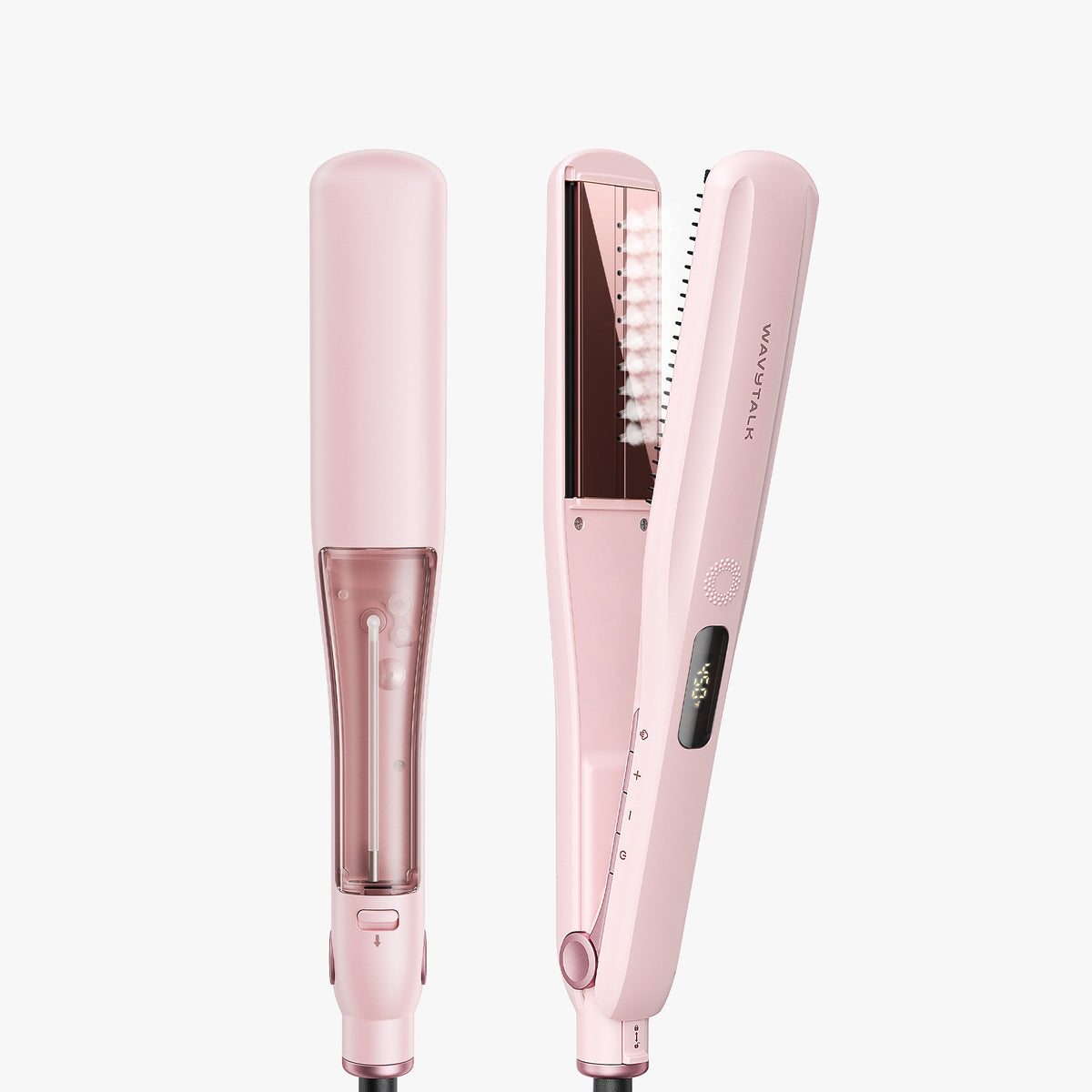
Das unverzichtbare Duo für Volumen-Fans. Das Power Wave Kreppeisen sorgt für angehobene Ansätze und definierte, ausdrucksstarke Wellen, während die Blowout Boost Thermobürste Fülle, Schwung und ein glattes, glänzendes Finish verleiht. Kräftige Wellen, schwungvolle Blowouts und jede Menge Volumen.
Volume & Wave Duo
Angebot€130,07
Regulärer Preis (/)
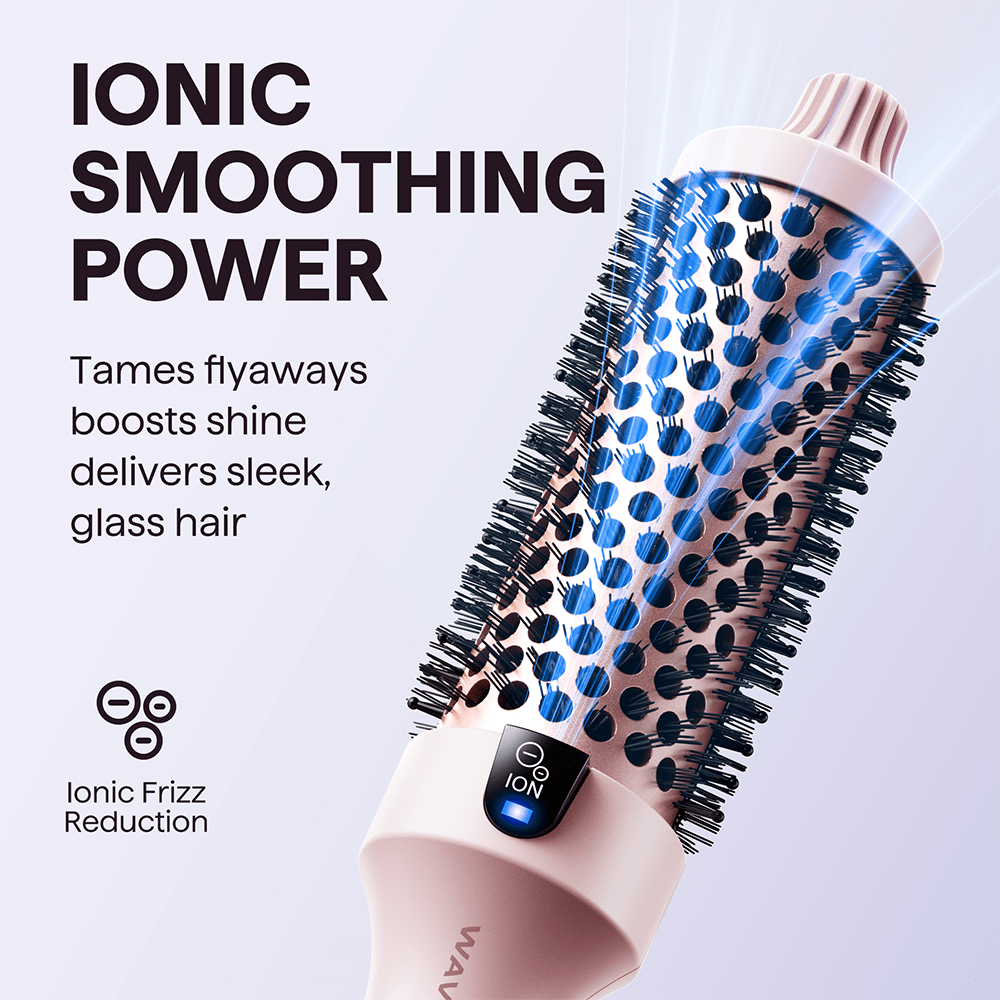
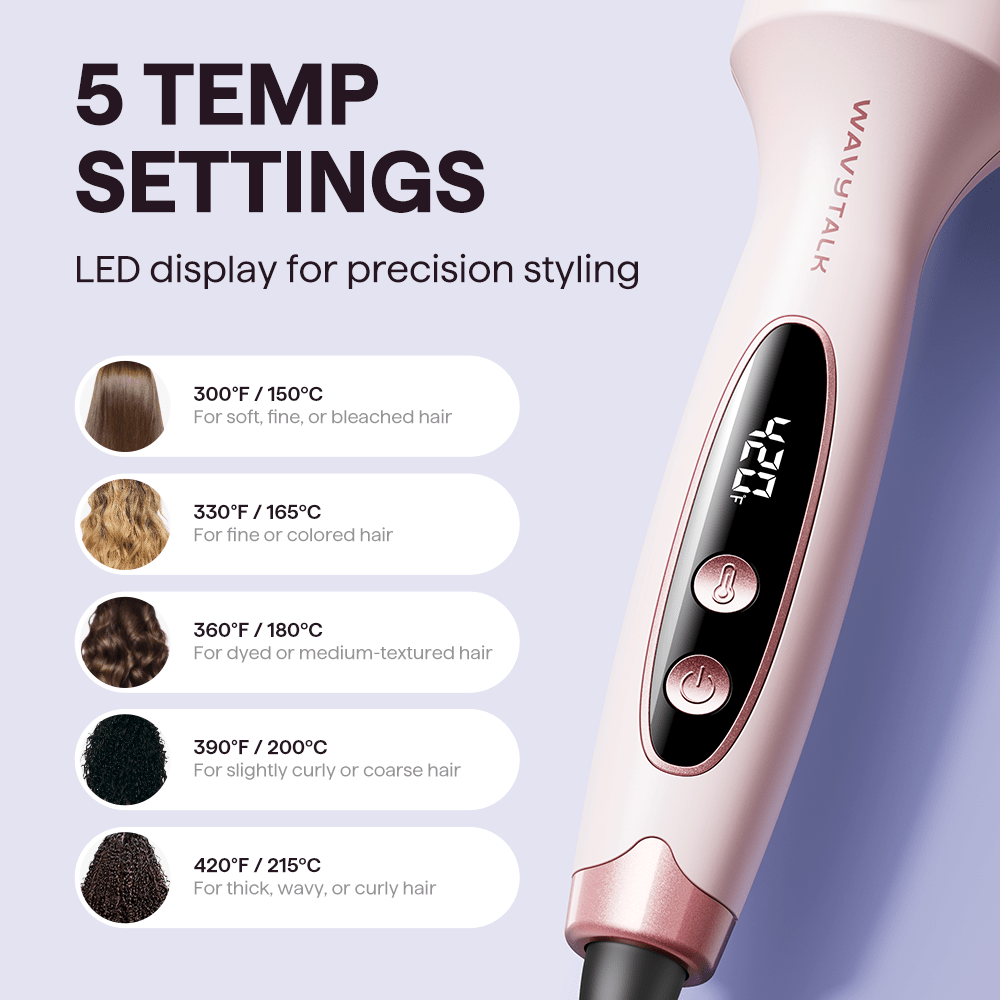
Blowouts in Salonqualität · Weniger Frizz dank Ionen · 5 Temperaturstufen · Styling ohne Ziepen
Das unverzichtbare Duo für Volumen-Fans
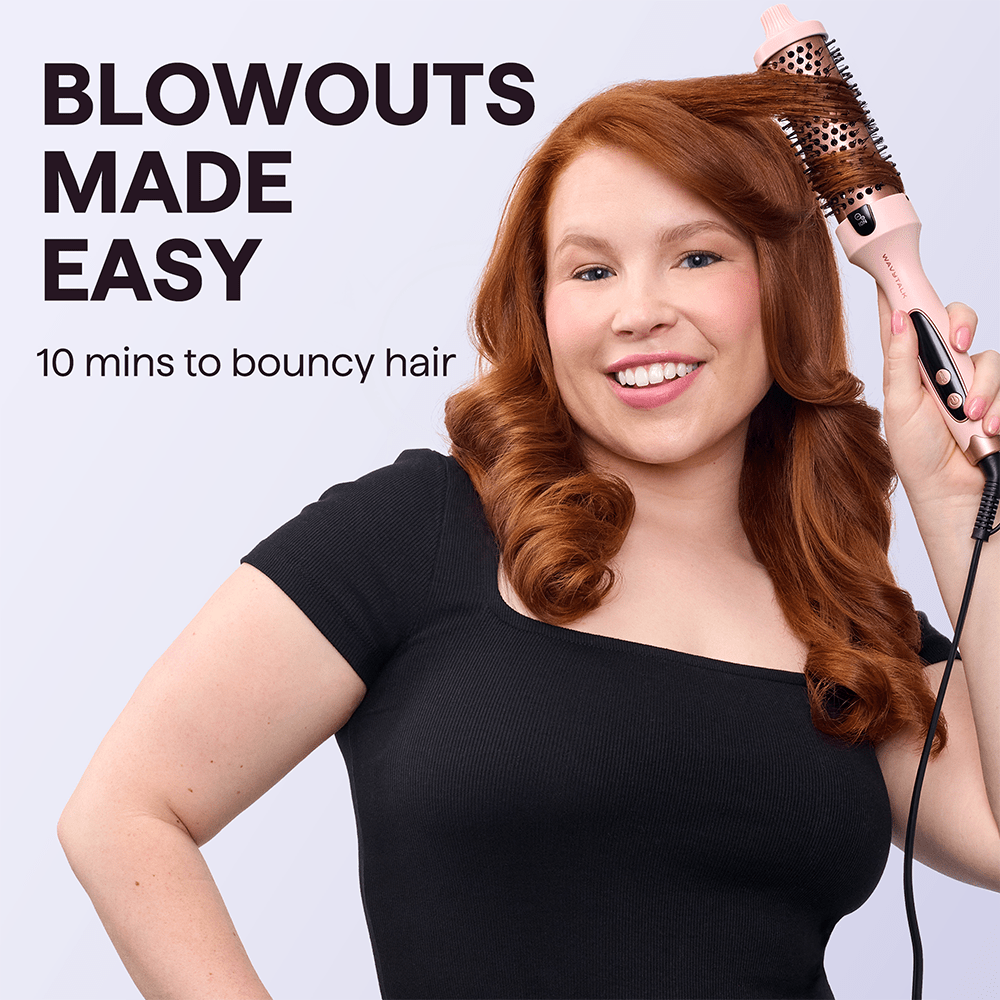
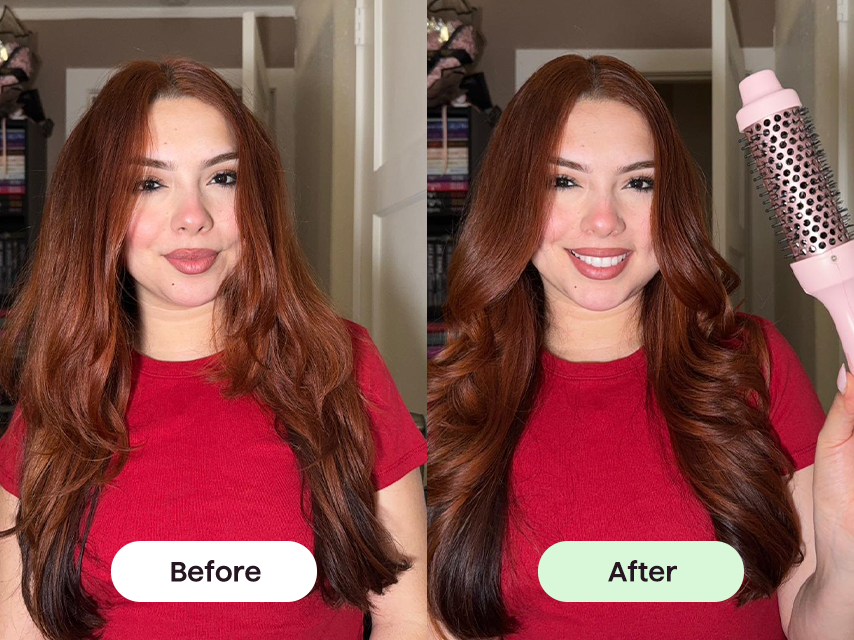
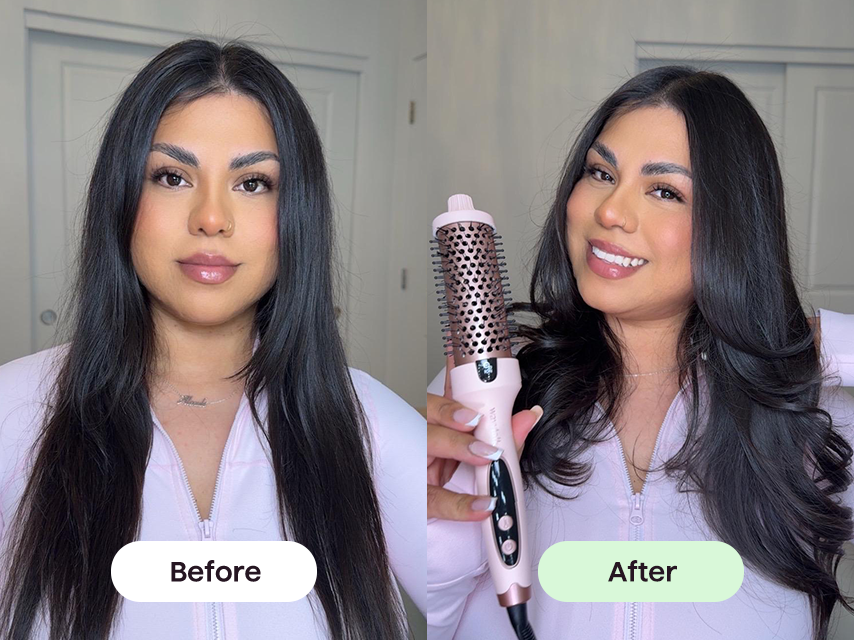
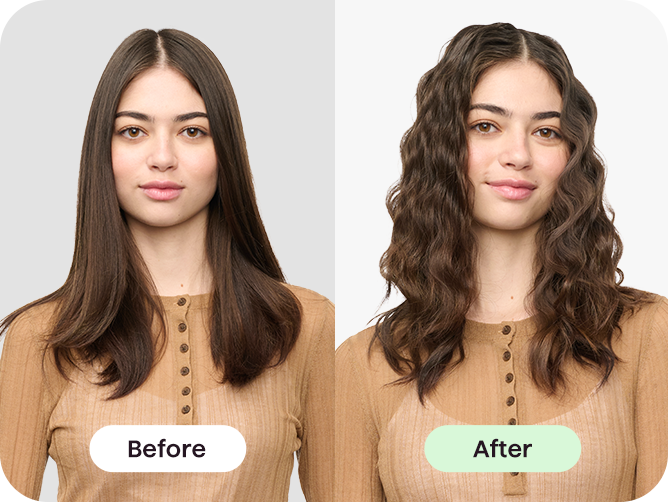
So verwendest du eine Thermobürste
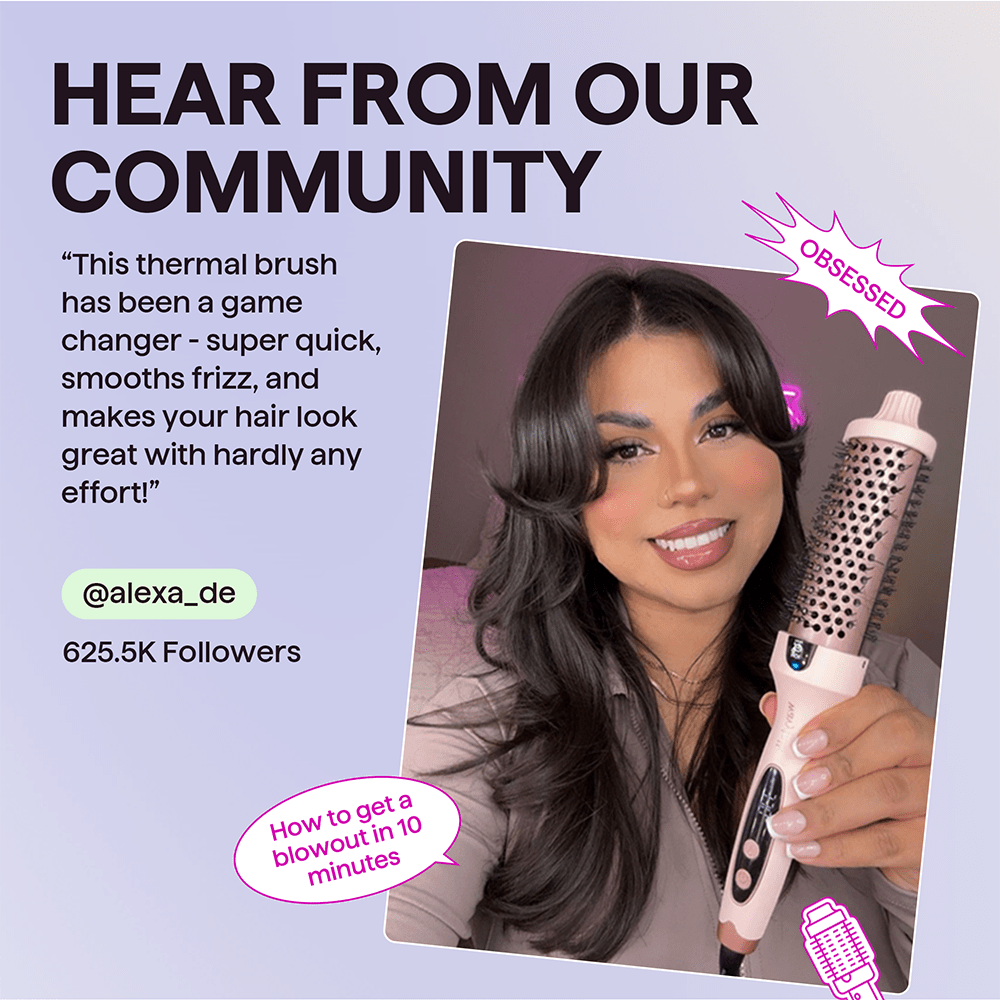
Bändige Frizz, schaffe Volumen und zaubere in wenigen Minuten ein gepflegtes Blowout.
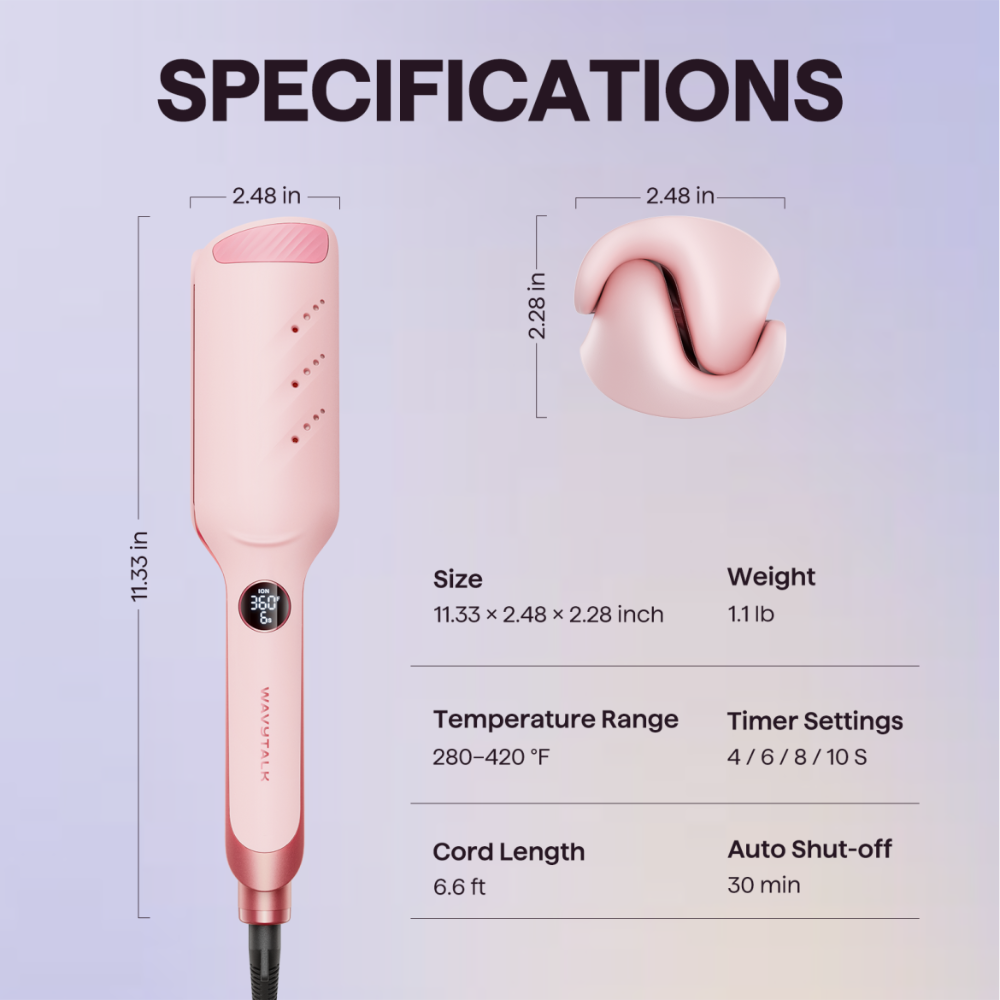
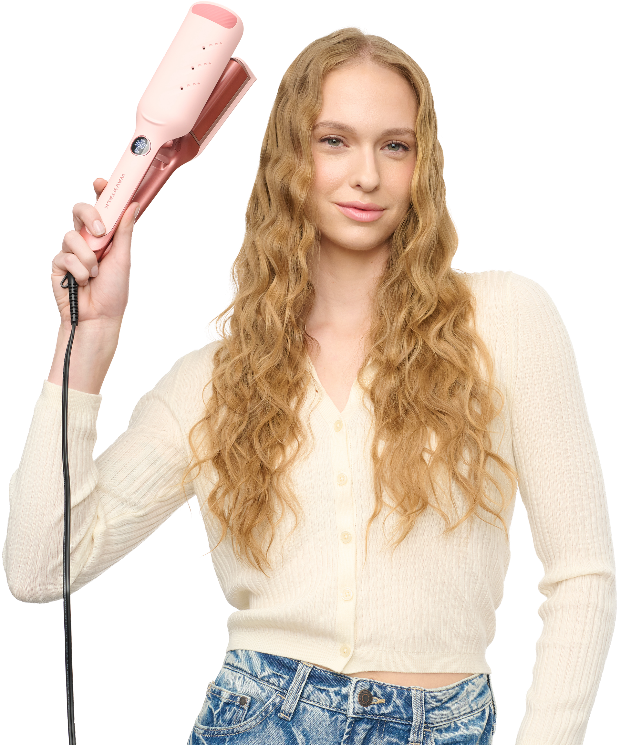
Power Wave
Kreppeisen
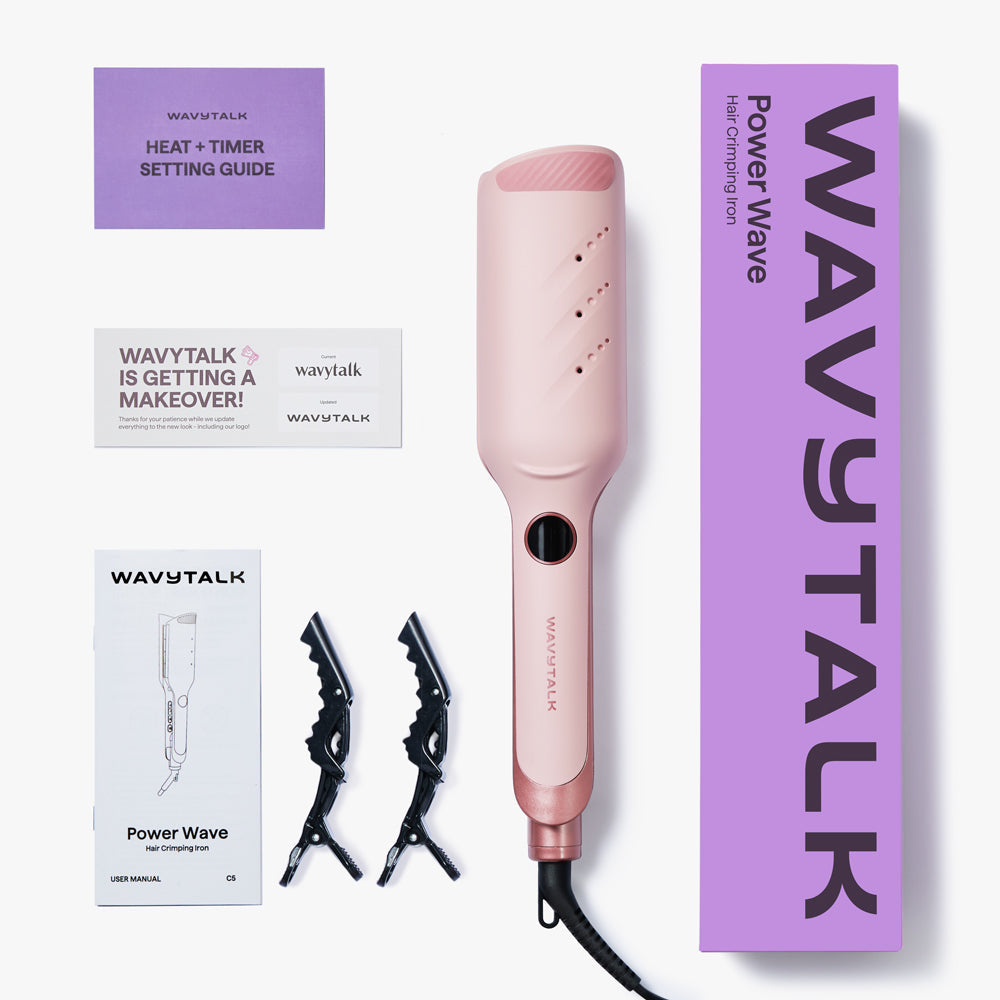
Lieferumfang
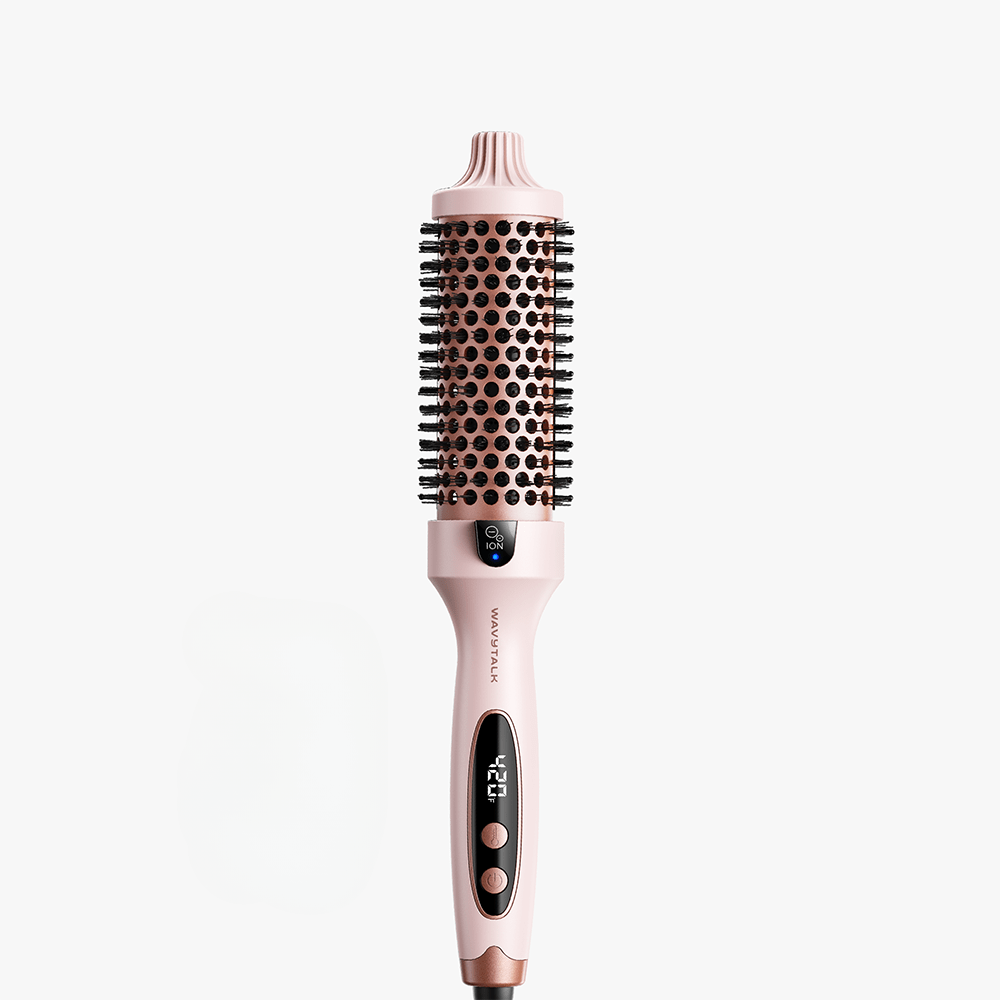
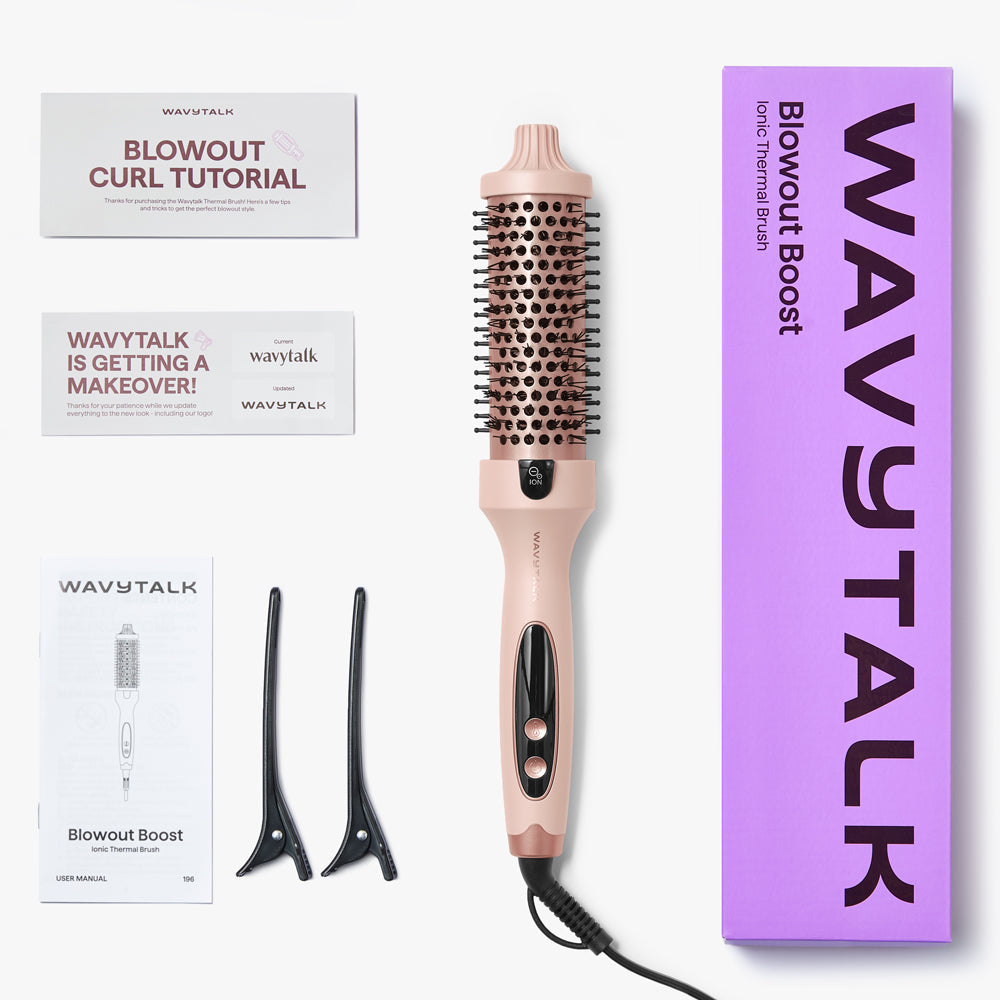
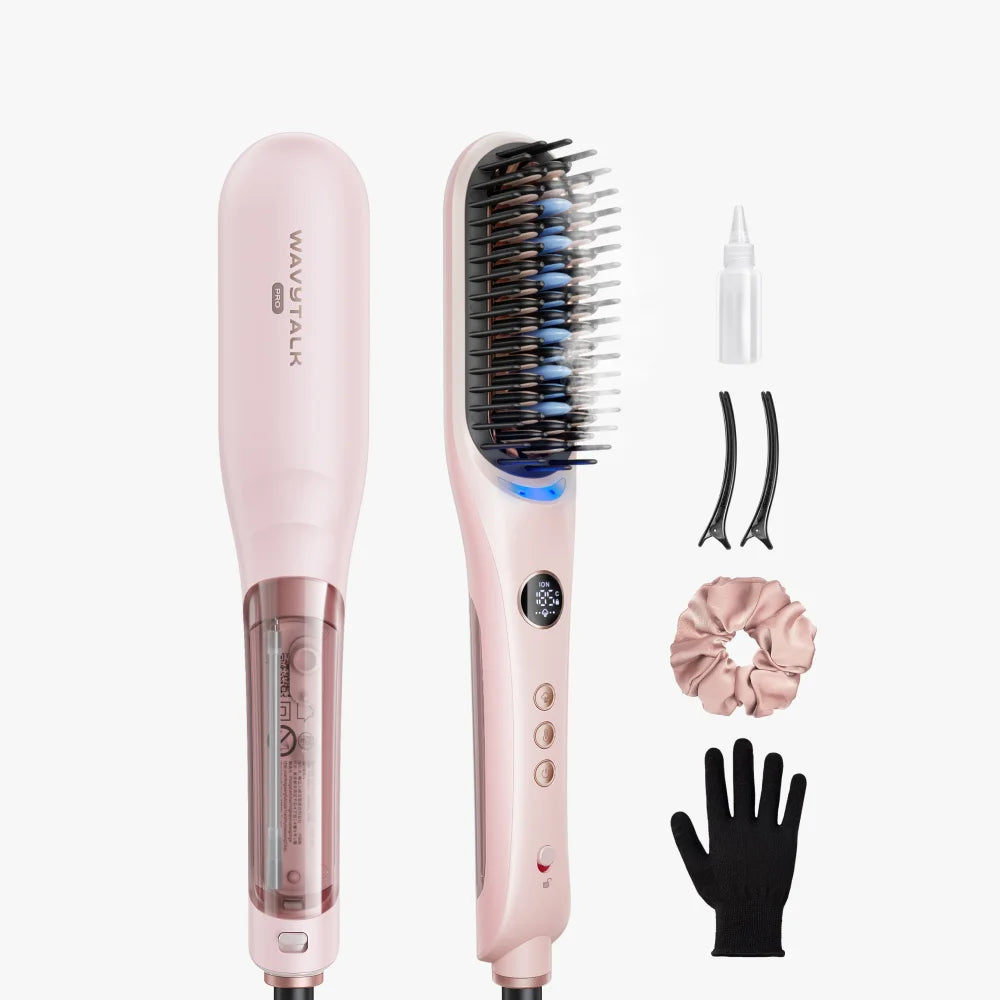
- Blowout Boost 1.5 Inch Ionic Thermal Brush x1
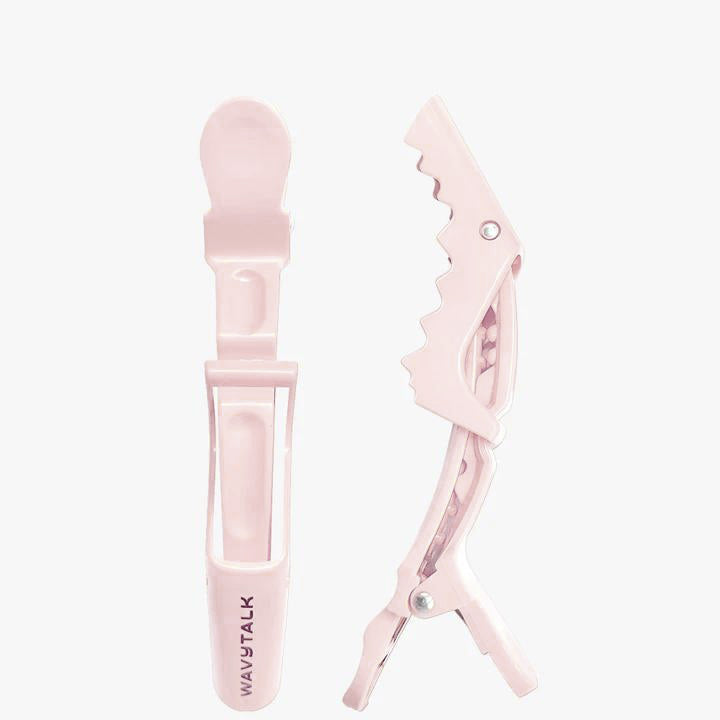
- Hair Clips x2
- Power Wave Hair Crimping Iron x1
- Salon Hair Clips x2
Häufig gestellte Fragen
How can I achieve a blowout look with the Blowout Boost?
Follow these simple steps to create a smooth, voluminous blowout or soft curls: Step 1: After applying heat protectant, select the right temperature for your hair type; higher heat for thick/coarse hair, lower heat for fine or damaged strands. Work in small sections to smooth and detangle as you go. Step 2: Starting at the roots, wrap a small section of hair around the brush vertically. Twist and glide the brush from root to tip in one smooth motion. Step 3: For sleek styles, simply pull the brush straight through. For bouncy curls, roll the ends under and release for a salon-quality blowout.
Can I use the Wavytalk Blowout Boost thermal brush on wet hair? Does it blow air like a blow dryer?
The Thermal brush does not blow air like a blow dryer. It’s a heated styling brush designed for dry hair only. For best results, ensure your hair is fully dry before using it to smooth, shape, or curl.
How long does it take to heat up?
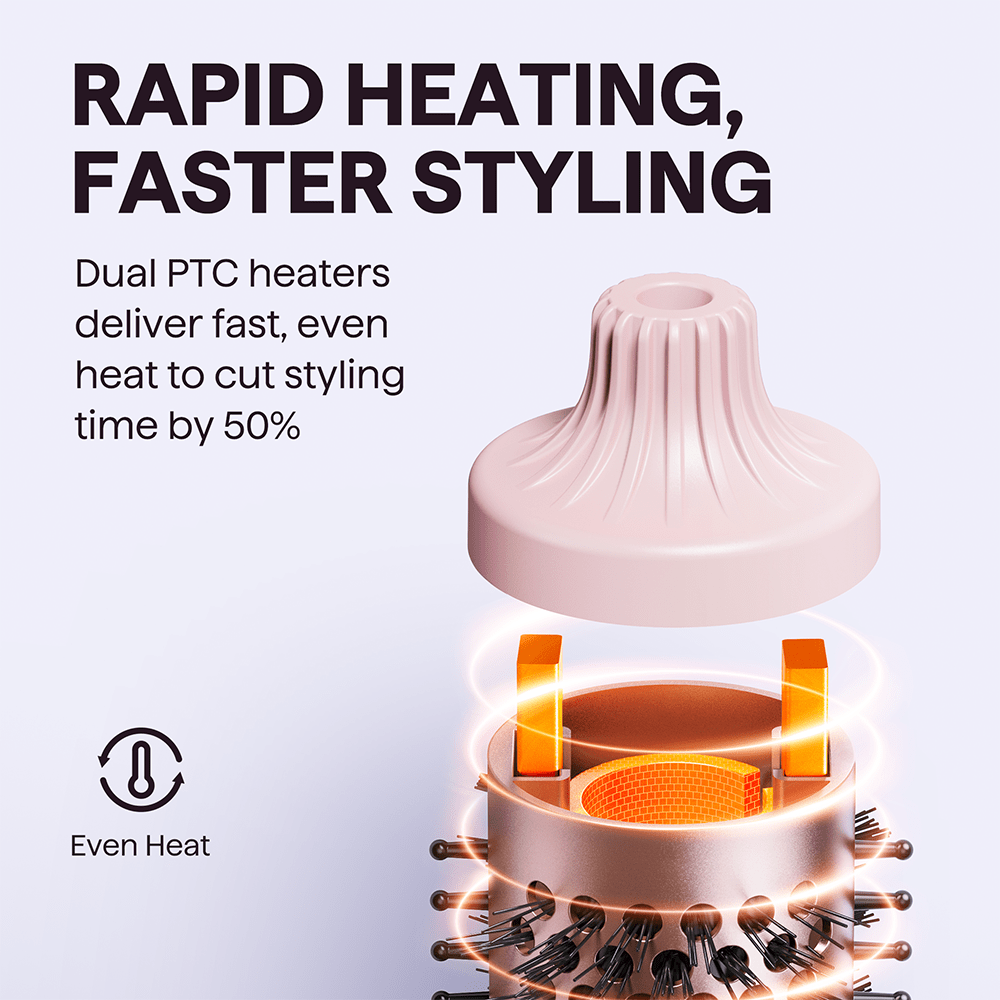
The Wavytalk Blowout Boost heats up in just 30 seconds, so you can start styling faster and enjoy bouncy, shiny results without the wait.
How can I make the style last longer?
To extend your style, use a light-hold hairspray, texturizing spray, or dry shampoo. These products help add volume, reduce frizz, and keep your curls or blowout from falling flat too soon.
What kind of styling effect does the Blowout Boost create?
The Blowout Boost is designed to deliver a bouncy blowout look with natural, loose curls and a soft, relaxed finish—perfect for everyday volume and shine.
Is it normal for the Blowout Boost to make noise during use?
Yes, that sound is completely normal. It comes from the ion generator inside the brush, which may create a soft buzzing or humming noise as it releases negative ions. This is a standard feature of ionic technology—those ions are working to smooth your hair and reduce frizz.
Can I use Power Wave on short, medium, or long hair?
No, Power Wave is best suited for hair lengths from chin length to mid-back length. It is not ideal for very short hair, especially pixie-length styles, since the hair may be too short to form a clear wave pattern. For chin-length, medium, and longer hair, it works much better and makes it easier to create texture, volume, and defined waves.
Does Power Wave work well on fine, thick, or frizzy hair?
Yes. Power Wave can work on fine, thick, and frizz-prone hair, but the best result depends on using the right starting temperature for your hair type. We recommend checking the temperature guide card first and starting with the suggested setting based on your hair texture and condition. Fine, fragile, bleached, or damaged hair usually needs a lower starting temperature, while thicker, coarser, or harder-to-style hair may need a higher one. If needed, adjust the settings depending on how well your hair holds the wave.
What temperature should I use for my hair type?
Please start with the recommended setting on the temperature guide card included with the product. Different hair types and hair conditions need different starting temperatures. Fine, damaged, bleached, or color-treated hair should usually begin at a lower setting, while thick, coarse, or more resistant hair may need a higher setting for better wave definition. It is best to follow the guide first, then adjust gradually if needed
How long should I hold each section?
Hold time can vary depending on your hair type, condition, and the temperature setting you start with. We recommend using the temperature guide card to choose the right starting temperature first, since the correct heat level affects how quickly the wave forms. Fine or more delicate hair usually needs less time, while thicker or harder-to-style hair may need a little longer. Start with a shorter hold, check the result, and adjust gradually until you get the look you want.
Is Power Wave easy to use for beginners?
Yes. Power Wave is generally easy to use, even for beginners. Since you do not need to wrap your hair around a barrel, the styling process can feel more straightforward and easier to control. Once you section your hair, simply work through it step by step to create the wave pattern.
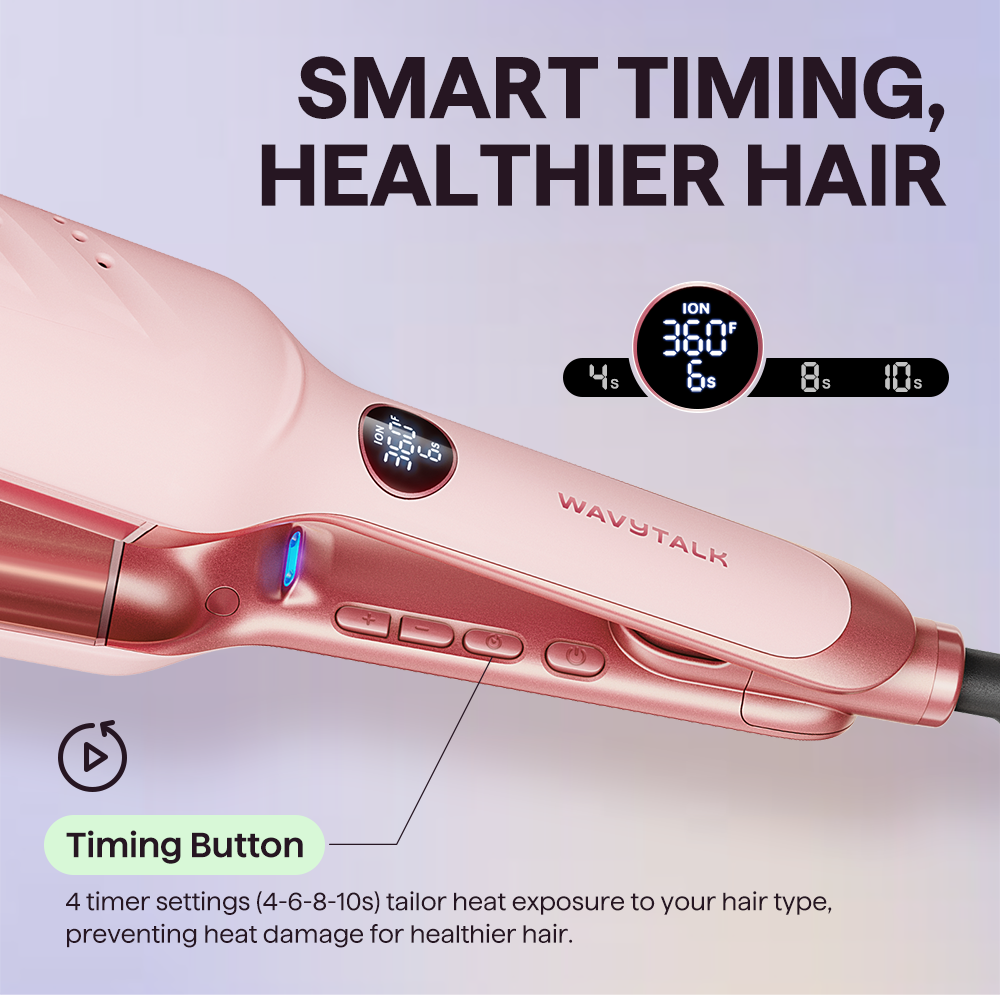
Why doesn't my timer beep when I’m styling my hair?
This usually happens if the crimper isn’t opened wide enough between clamps, which can prevent the timer from resetting. This is normal and doesn’t mean there’s an issue with your tool. To fix it:1. Fully open the curling iron before each new section of hair.2. Or, make sure you open it to a noticeably wider angle than the previous clamp.Doi this will allow the timer to restart properly, and the audible beep will return.
Das könnte dir auch gefallen




Bis zu 10% Rabatt + gratis Geschenke gewinnen
Abonniere für exklusive Vorteile & Angebote.
Indem du fortfährst, akzeptierst du unsere Nutzungsbedingungen und hast Kenntnis genommen von unserer Datenschutzerklärung.

© 2026